
Upgrade your music production workflow with better sounds.
I use Splice every day to pull high-quality samples, loops, and presets that speed up production and sharpen creativity.
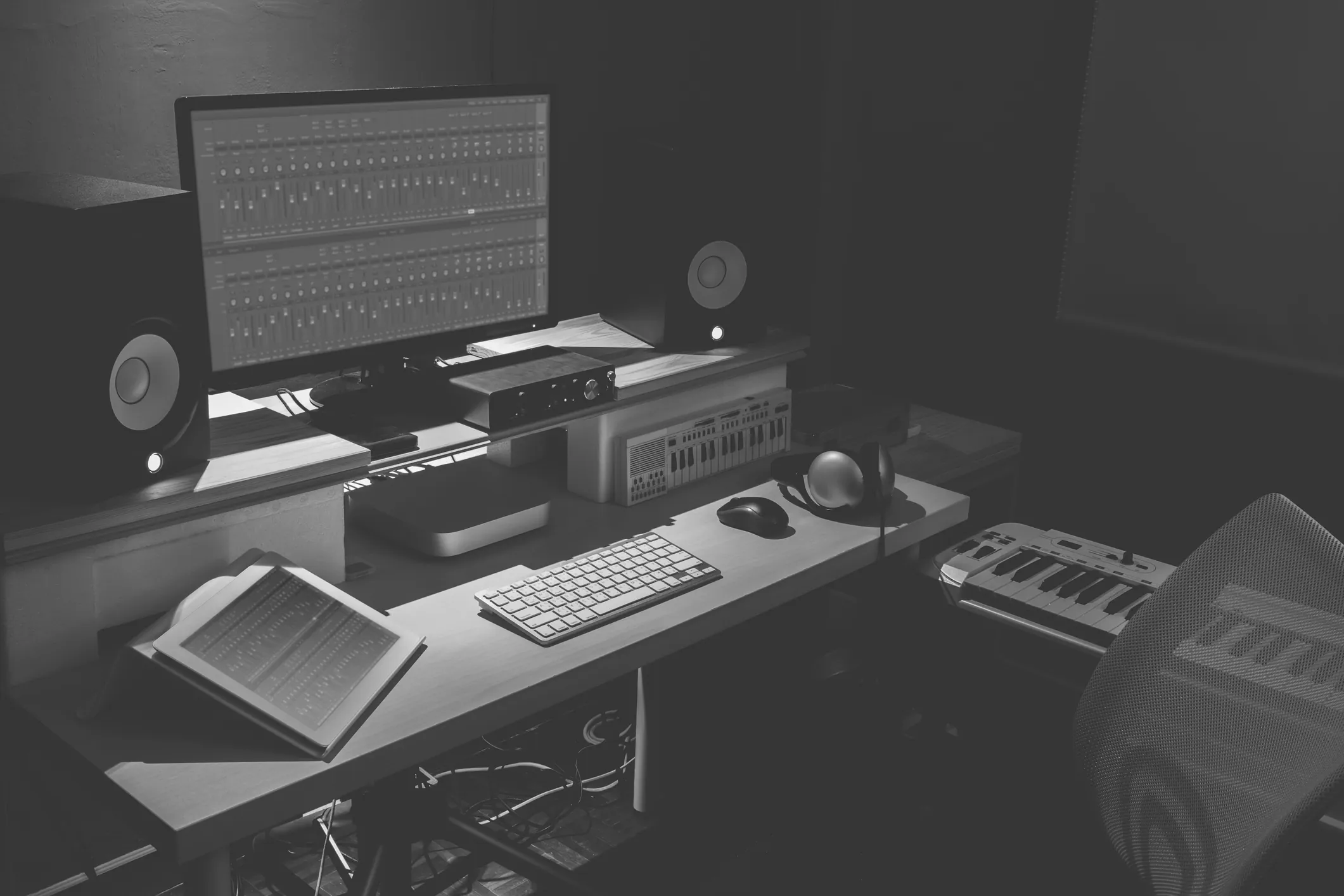
Why producers use Splice
Spend less time hunting for sounds — more time making music that actually sounds finished.
Massive professional library
Millions of samples, loops and presets made by working producers — not filler stock packs.
Saves hours every session
Tag-based search gets you from idea to laid-down loop in seconds.
Works in every DAW
FL Studio, Ableton, Logic, Studio One — drag, drop, done.
Constantly updated
Fresh packs added all the time, so the library stays ahead of the sound.
Beginner to pro
Easy enough to start with on day one. Deep enough to keep using a decade in.
Royalty-free use
Release your tracks without worrying about clearance on every sample.
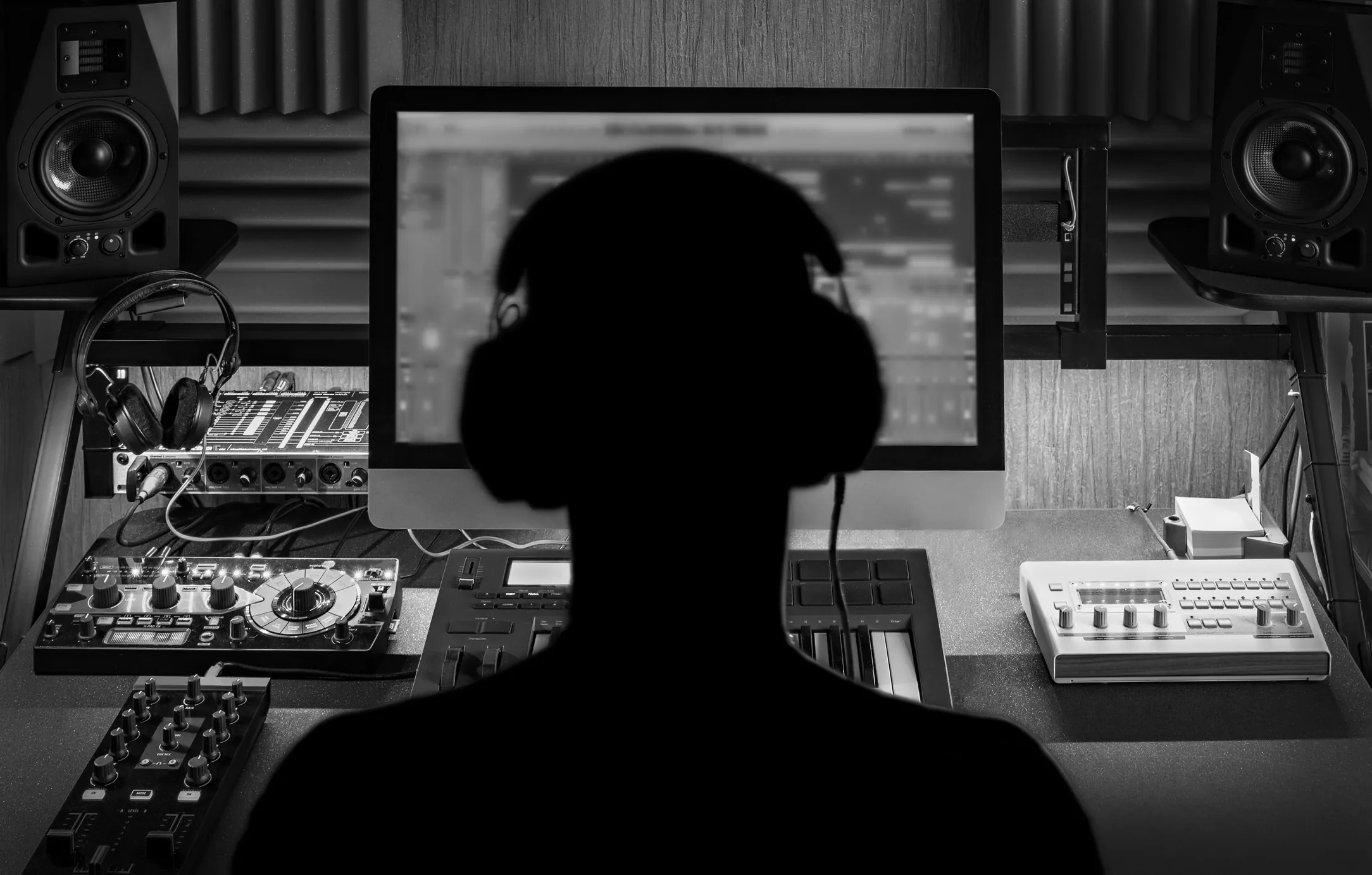
How I use Splice in real sessions
When I’m building tracks in FL Studio or Ableton, Splice is where I pull drums, vocal chops, textures, and melodic ideas. It drops straight into my DAW and pairs naturally with the rest of my chain — FabFilter for mixing, iZotope Ozone for mastering.
It’s the difference between staring at an empty project and actually finishing a record.
Want to see current plans?
Splice updates pricing and features regularly — check the latest options and pick what fits your workflow.
View Splice PlansQuestions, answered
Is Splice worth it for beginners?
Yes. One of the biggest blockers for beginners is working with thin, low-quality samples that make finished tracks sound amateur. Splice fixes that from day one — you get professional sounds in your project immediately, which short-circuits months of trial and error.
Does Splice work with my DAW?
Yes. Splice integrates cleanly with FL Studio, Ableton Live, Logic Pro, Studio One, Cubase and every other modern DAW. Samples drag and drop; the Splice Bridge handles presets for supported instruments like Beatmaker and Astra.
Can I cancel anytime?
Plan terms change, so check the current details directly on Splice’s site before subscribing. Generally, subscriptions can be managed from your account dashboard.
Can I release music commercially with Splice sounds?
Yes — that’s the whole point. Splice samples are royalty-free under their license, so you can release tracks on Spotify, Apple Music or anywhere else without clearance issues. Always double-check the current license terms on Splice’s site.
Ready to make better music, faster?
Two clicks away from the library I actually use.